

Start Here
About
Speaking
Book
Join The Table
Parent Course
Resources
English
Order my debut book! - 5 Habits of the Tech-Ready Family 📑


Click here or the image below to learn more about iOS 27.
.jpeg)
Bottom line - both devices have problems. Android allows for much better third-party software monitoring, but most kids have iPhones. With that in mind, most parents need to know who to set up an iPhone as safely as possible. It always starts with protecting them in layers!
We believe the best way to prevent digital harm on all digital devices is by following our 5 Layers of Protection:
Layer 1: Relationships
Layer 2: WiFi (Router)
Layer 3: The iPhone or iPad Device
Layer 4: Location
Layer 5: Apps
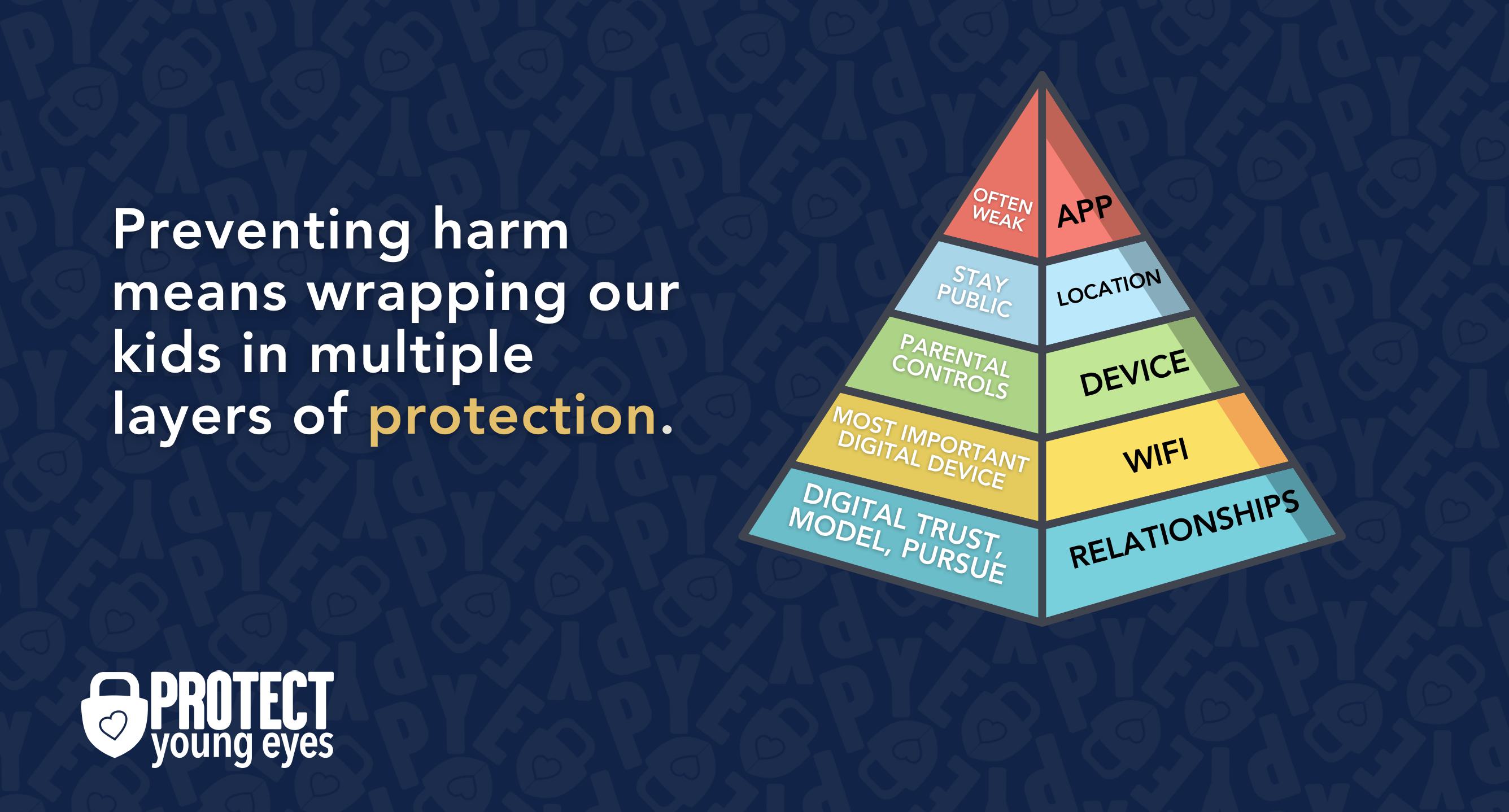
In a digital world that is increasingly hostile toward children, our response must be strong and relevant. That's why we believe in wrapping our kids in multiple layers of protection. One or two are often not enough.
To learn why our relationships with our children are the foundation of protection and how to build digital trust (Layer 1), here are relevant blog posts:
The Router is the most important digital hardware in the house! And, it’s often the most ignored. But, you are responsible for every digital click on your home’s network, so monitoring and controlling its activity is important.
Popular options for parents are:
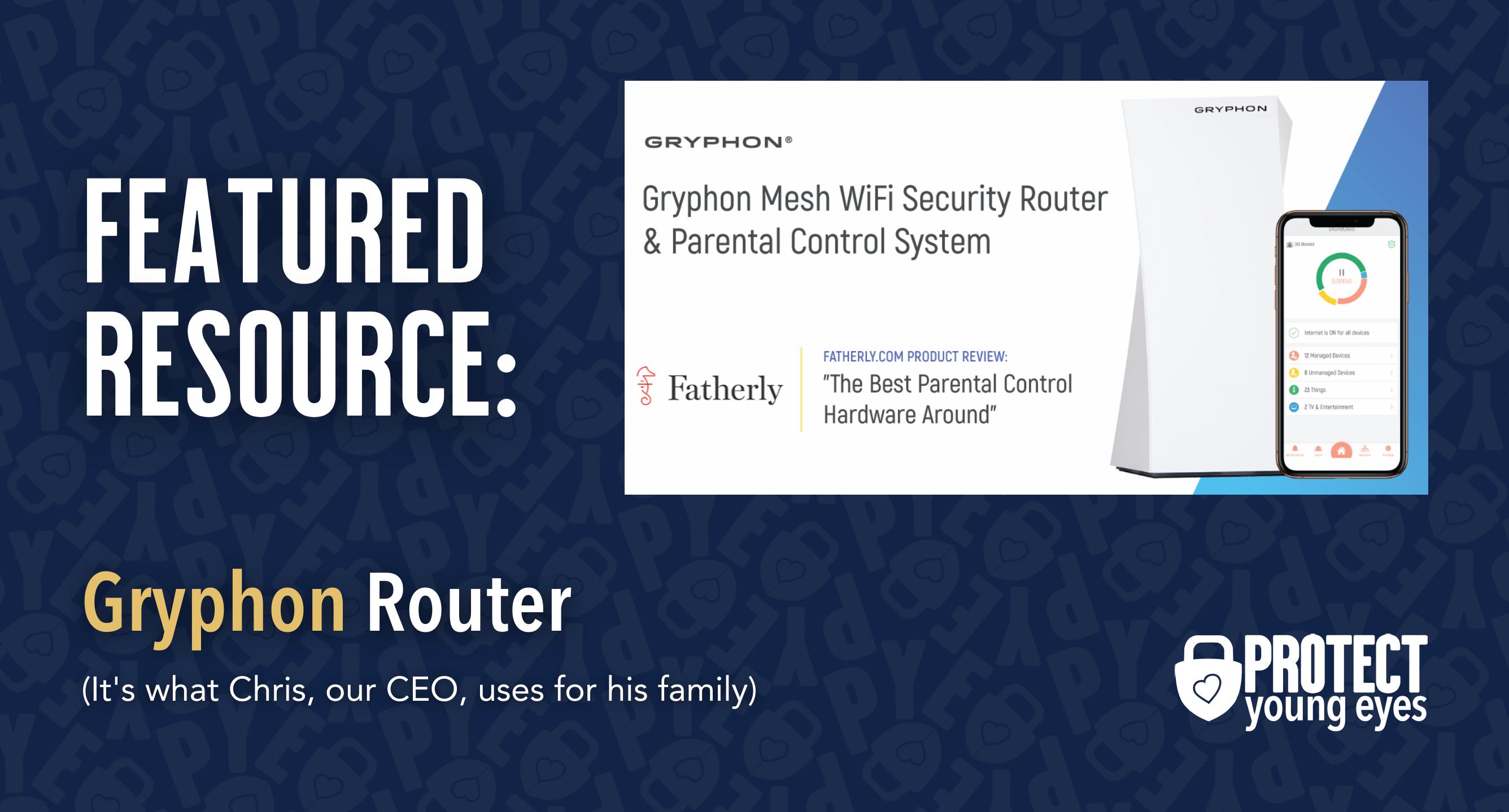
Bonus content – we tested the best routers out there and here’s WHY we picked Gryphon.
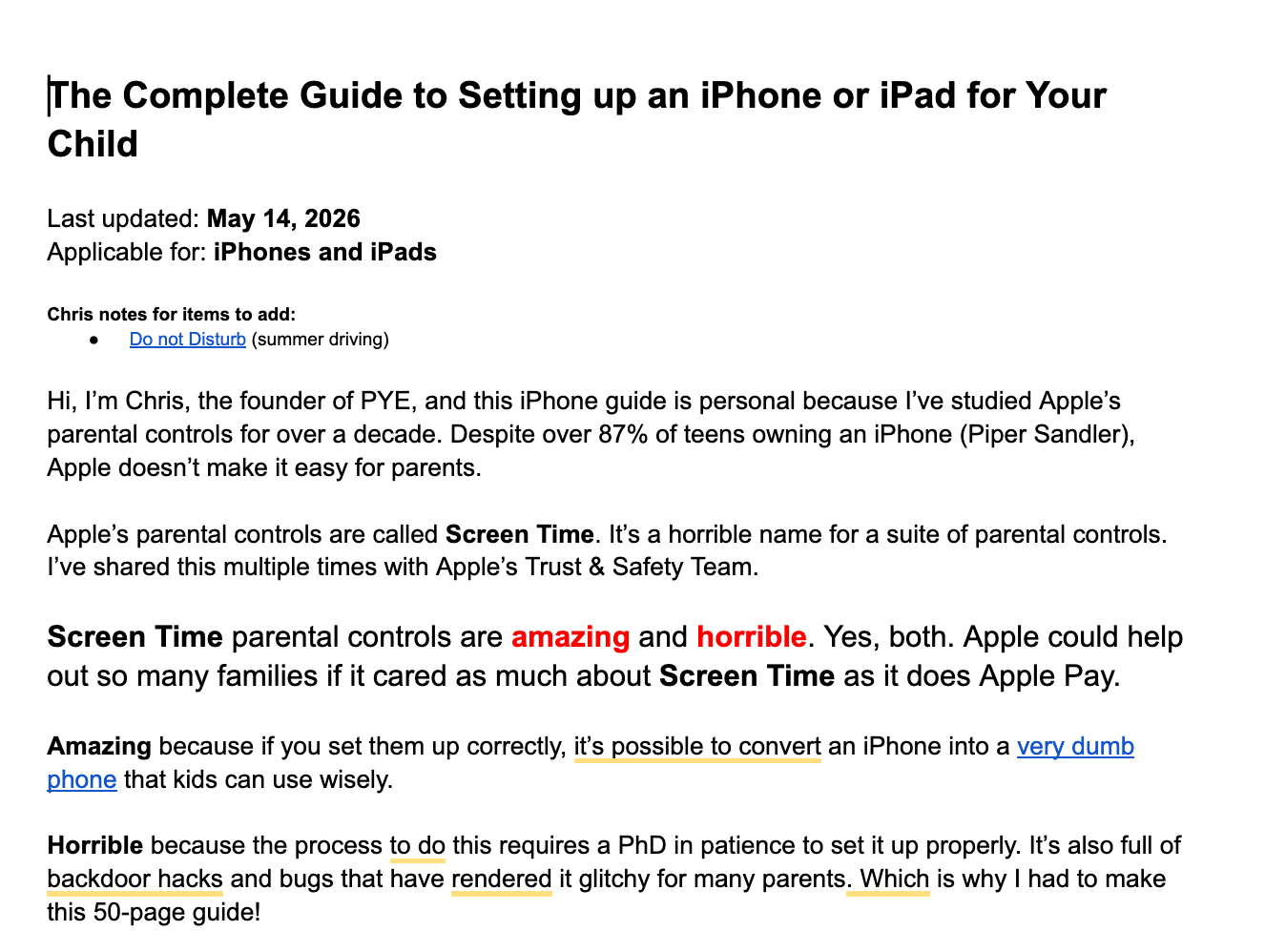
Are you ready for the world's greatest FREE iPhone and iPad set-up guide? We created it! Click here or the image below. We keep it constantly updated!
Guard the location of the device. Why? Because where kids use technology often dictates how they use their technology.
Related post: The 5 Worst Places for a Kid to be Online
We have strong opinions about managing where kids use their tech. For example, let’s keep all internet-ready devices out of bedrooms at night, where kids take more risks, and sleep is constantly interrupted.
Just know that the combination of boredom, bedrooms, and darkness (the Toxic Trio) often lead to bad digital choices, whether you’re 14 or 40 years old!
To learn why apps are often the least protected digital spaces and how to set them up safely (Layer 5), here are popular app reviews:
It depends on your situation. As you can see from above, if you get the router right and enable Screen Time, along with great conversations with your kids, that might be enough. But if you want to go one step further, then layer in Covenant Eyes or Bark. As we said above, using software communicates a family culture of monitoring, which we think is important.
Cell phone providers have their parental control services, too. We've found them to be a bit clunky, but here are links to each:
Two actions you can take!

Read about our team’s commitment to provide everyone on our global platform with the technology that can help them move ahead.
Honored to join Bark and other amazing advocates in this film.
Joined a coalition of global experts to present on social media's harms.
We shared our research and experience with the US Senate Judiciary Committee.



